
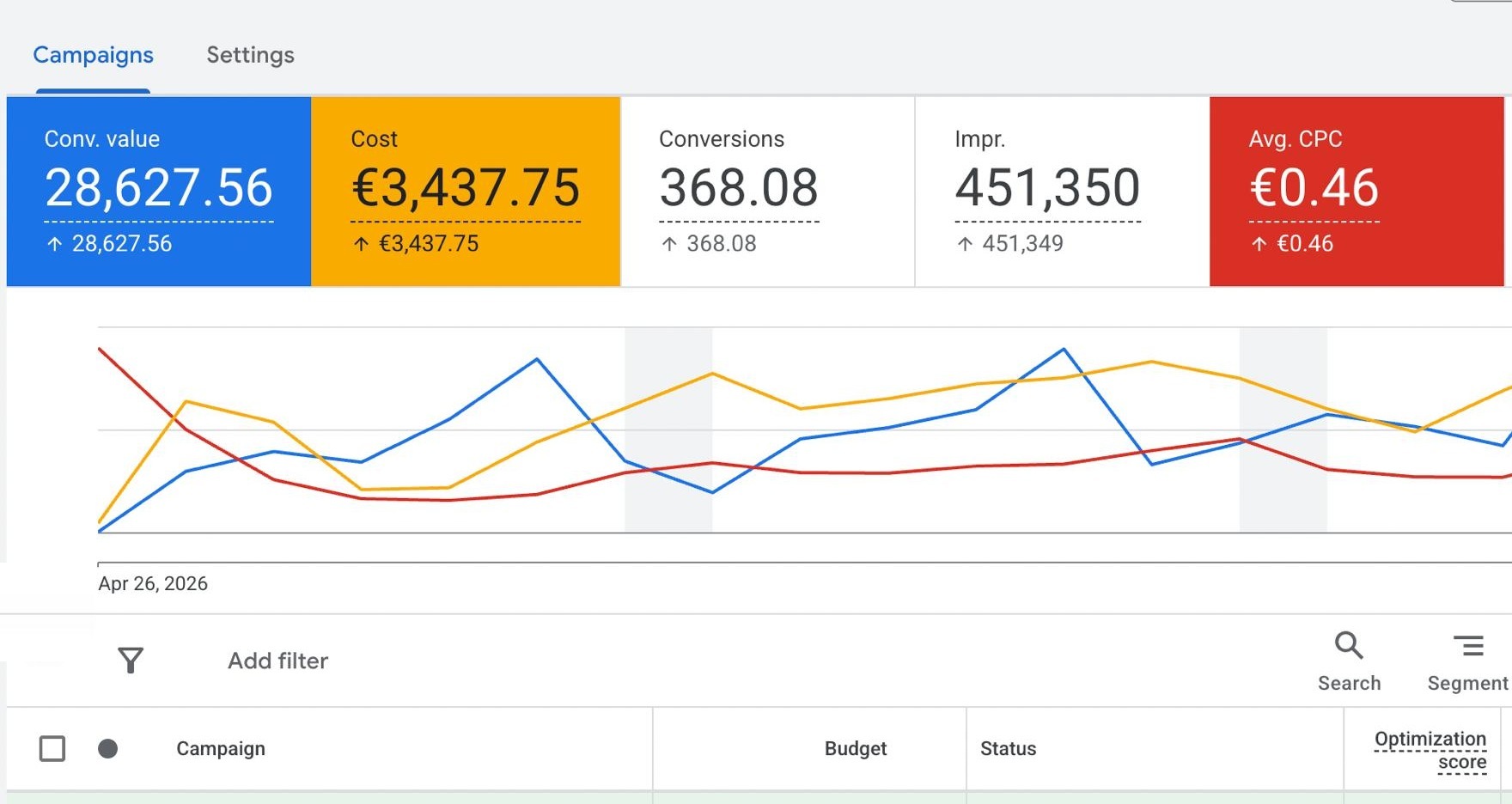
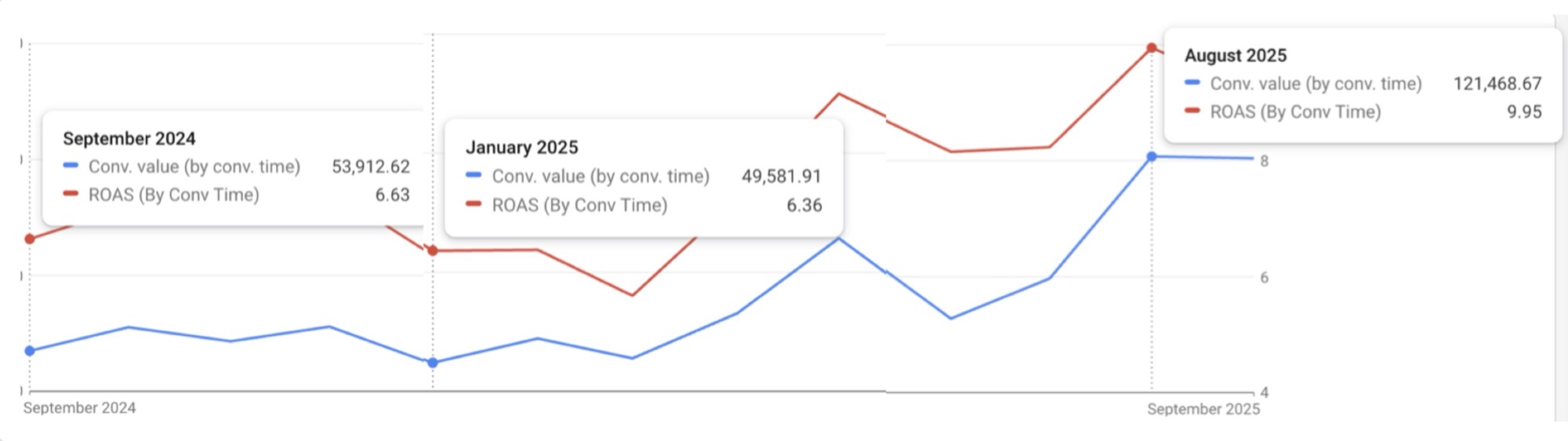
€1,240 of €3,400 went nowhere.
Four checks. Each one shows where the money went and how to stop it.
Every search term that cost money in the last 30 days. We mark terms with clicks and no sales. We check your negative keywords and match types.
Add 46 negative keywords. Move 3 broad match keywords to phrase match.
Networks, locations, bidding, ad schedule, devices and budgets. Small settings that quietly spend money.
- Search campaign also shows on Display Network€240, 0 sales
- Location set to “presence or interest”€140 on clicks from countries you do not ship to
- Target ROAS 800% with 9 sales a monthToo little data. Limited by budget on 14 of 30 days
- Ads run 24/71 am to 6 am takes 11% of spend and brings 2% of sales
Turn off Display in search campaigns. Set location to “presence”. Switch to Maximize conversion value until the campaign has 30+ sales a month.
Merchant Center errors, rejected products, product titles, products with no impressions and products that spend without sales.
- 38 of 412 products rejected31 missing GTIN, 7 price mismatch. 6 of them are your best sellers.
- 124 productsZero impressions in 30 days.
- 9 products€250 spent, 140 clicks, no sales.
- Weak titleNow: Pan 28. Better: Cast Iron Frying Pan 28 cm, Induction, Pre-Seasoned
Add GTINs and fix prices for 38 products. Rewrite the top 50 titles. Exclude the 9 products that do not sell.
The three changes that save the most money first. Clear steps. You can do them yourself, or we do them.
Start with fix 1. It takes 30 minutes and saves the most.
Example audit. The store and the numbers are made up. Your audit uses your own account data.